Unity Open Source Plugins
Three open-source Unity plugins with 7,000+ combined downloads. Unlimited Scroller, Smart Reference, and Pragma Timeline each fix something Unity's built-in systems handle badly, and all three ship on the Asset Store and OpenUPM with generated docs and CI.
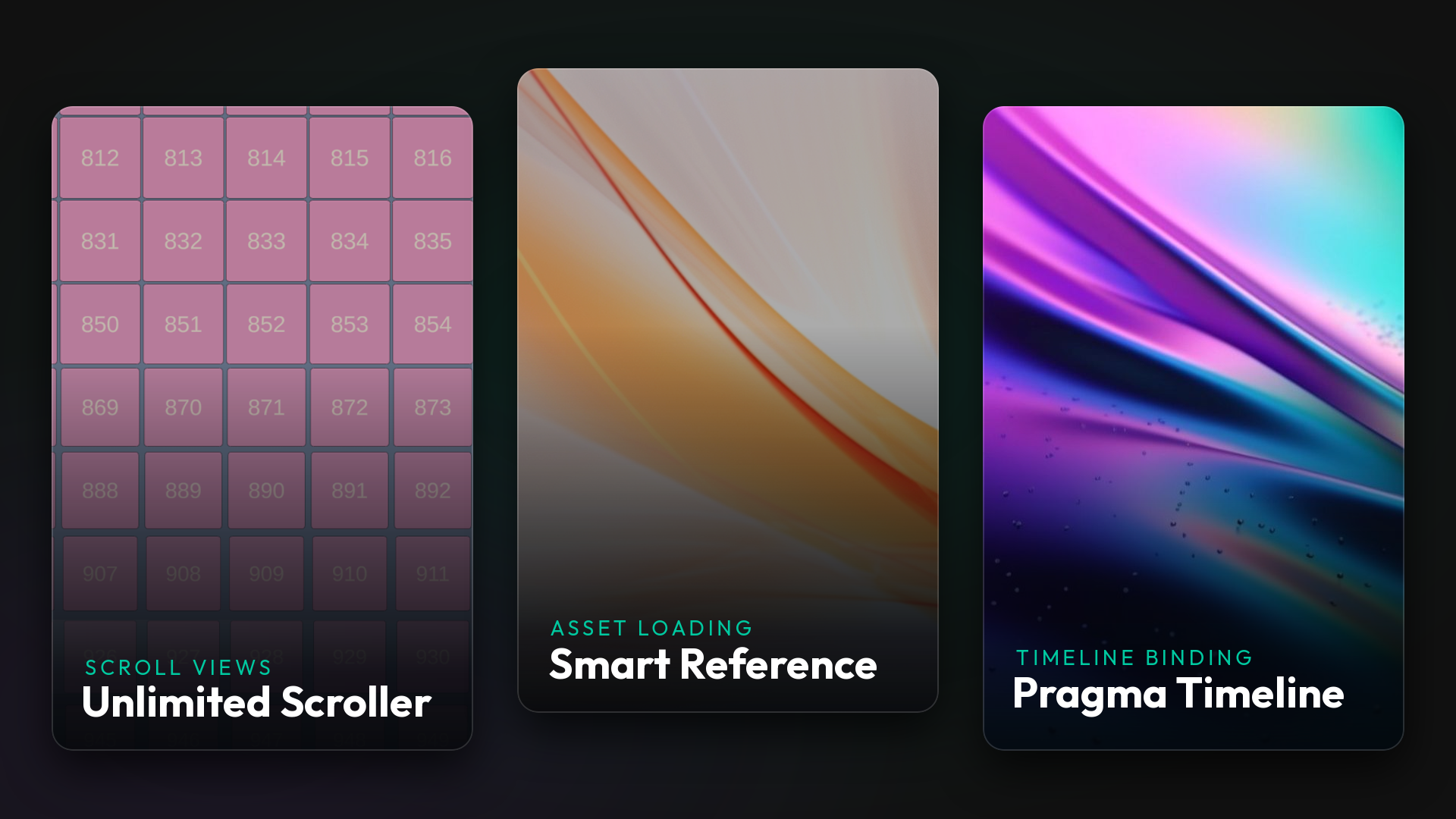
Overview
Three Unity plugins, written in C# and released under open source licenses. Each one came out of a problem I kept hitting in production: UI lists that allocate hundreds of cells, ScriptableObjects that drag their whole dependency tree into memory, and Timelines that lose their bindings as soon as you play them at runtime.
All three ship the same way: GitHub source, a Unity Asset Store listing, and an OpenUPM package. Docfx generates the API documentation, and a GitHub Actions workflow publishes it and validates merges.
| Plugin | Solves | Downloads |
|---|---|---|
| Unlimited Scroller | Scroll views with unbounded item counts | 5,000+ |
| Smart Reference | Eager asset loading through direct references | 2,000+ |
| Pragma Timeline | Runtime binding of Unity Timeline sequences | 1,000+ |
Unlimited Scroller
A uGUI plugin that makes scroll views with any number of items practical. It spawns cells just before they enter the viewport and recycles them through an LRU cache once they leave, across Horizontal, Vertical, and Grid layouts with freeform dragging. Setting one up is the same as dropping in a standard layout group, so a backpack, leaderboard, shop, or skill list doesn’t need a custom pipeline.
Project page · GitHub · Asset Store · OpenUPM
Smart Reference
A drop-in replacement for Unity’s direct object references. It stores a GUID and path instead of a hard link, then resolves the asset lazily at runtime, so a ScriptableObject holding 100 monsters no longer pulls every sprite, model, and material into memory when all you wanted was a name and a description. The editor workflow stays the same: drag an asset into the inspector field.
Project page · GitHub · Asset Store · OpenUPM
Pragma Timeline
Unity’s Timeline binds tracks to scene objects, and those bindings come back empty the moment the sequence is instantiated at runtime, because scene references can’t be serialized into an asset. Pragma Timeline records each binding under a name you choose in the editor and restores the whole set at runtime from a Dictionary<string, object>: instantiate the prefab, call Init(map), call PlayTimeline(). It covers generic bindings and exposed references, supports custom tracks and clips, and raises a Stopped event when playback ends, so you can hand control back to the player after a cutscene.
GitHub · Documentation · Asset Store · OpenUPM
I wrote up the mechanics behind Unity’s binding system in How does the binding of Unity’s timeline work?.